Team
Invite members, assign roles, organize people into teams and control who handles each conversation.
Last updated
People are the first thing to set up, because conversations, handoffs and automation all route work to a person or a team.
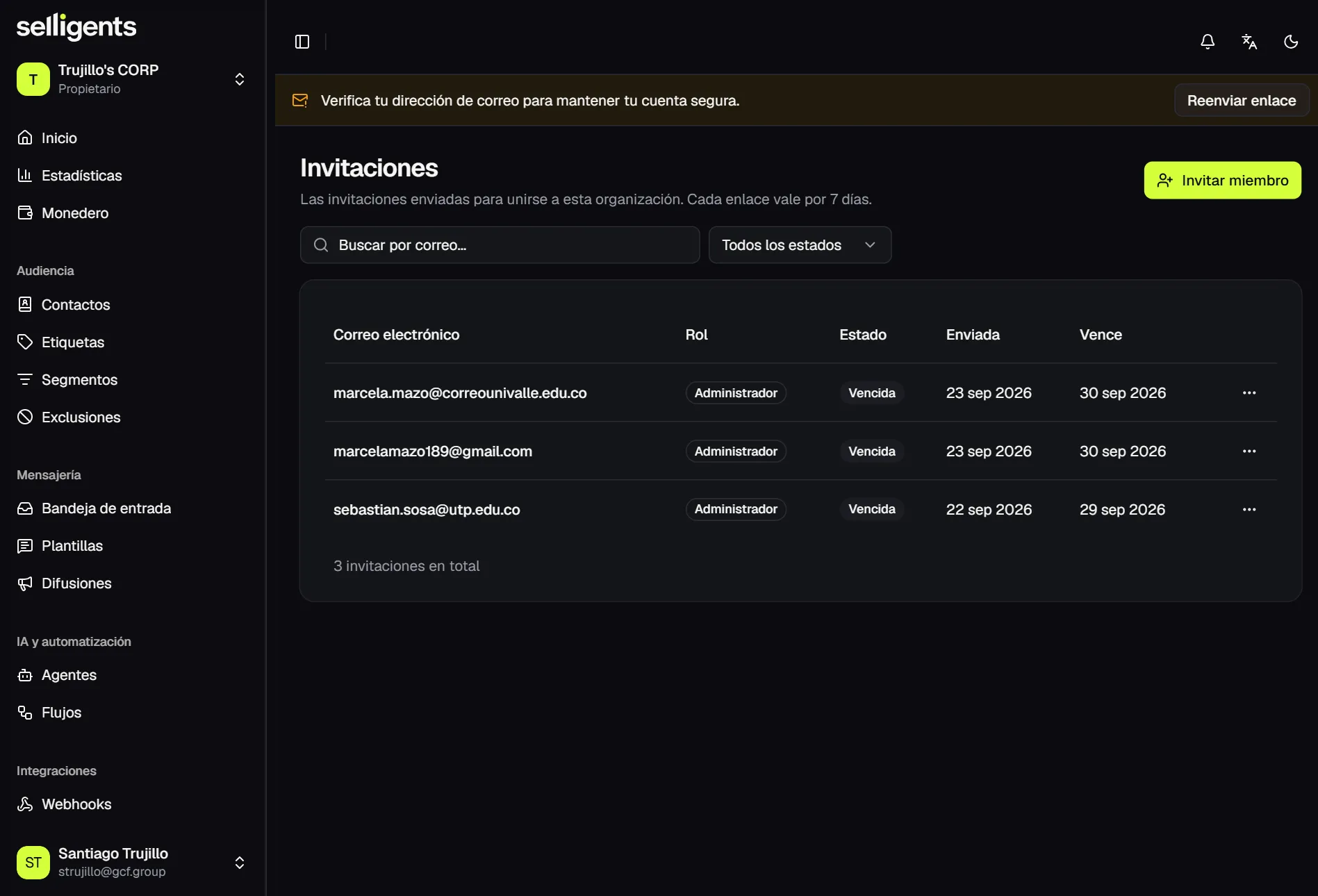
Members
Members are the people with access to your organization, each with a role: Owner, Admin or Agent. Every member also has an availability status that says whether they can receive conversations.
From a member’s actions, an owner or admin can:
- Change the role.
- Set availability to available or unavailable.
- Suspend the member, and reactivate them later.
- Remove the member.
At least one active owner must always remain. The platform blocks any change that would leave the organization without one.
Teams
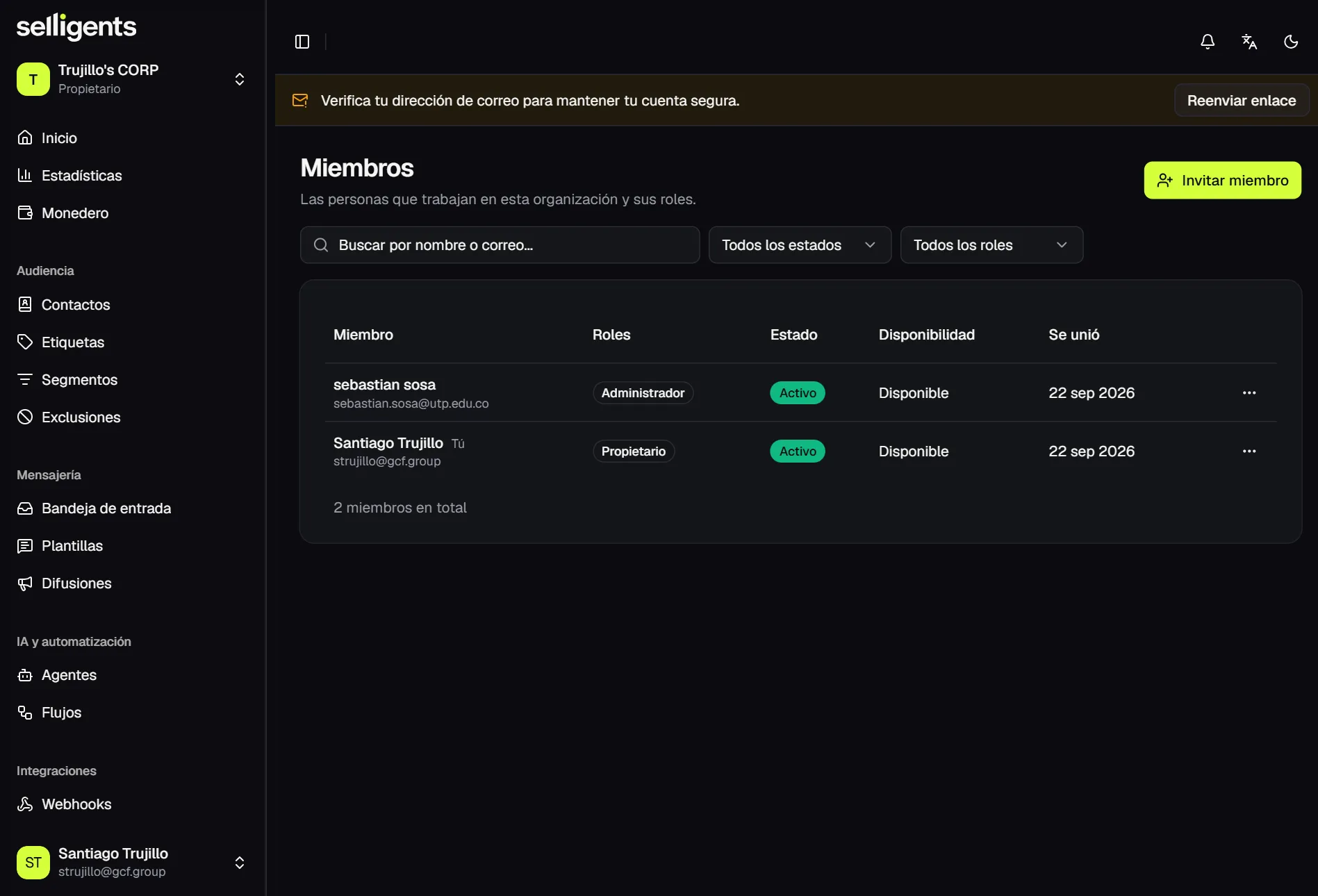
A team is a group of members who handle conversations together, for example sales and support. Each team has a color, a description, its members and a lead. Teams you no longer need can be archived.
Teams matter beyond organizing people. They are used as:
- The default team of a channel, so new conversations land with the right people.
- The handoff team of an AI agent, so a customer reaches a person who can help.
- The target of intents and of the Assign node in flows.
Invitations
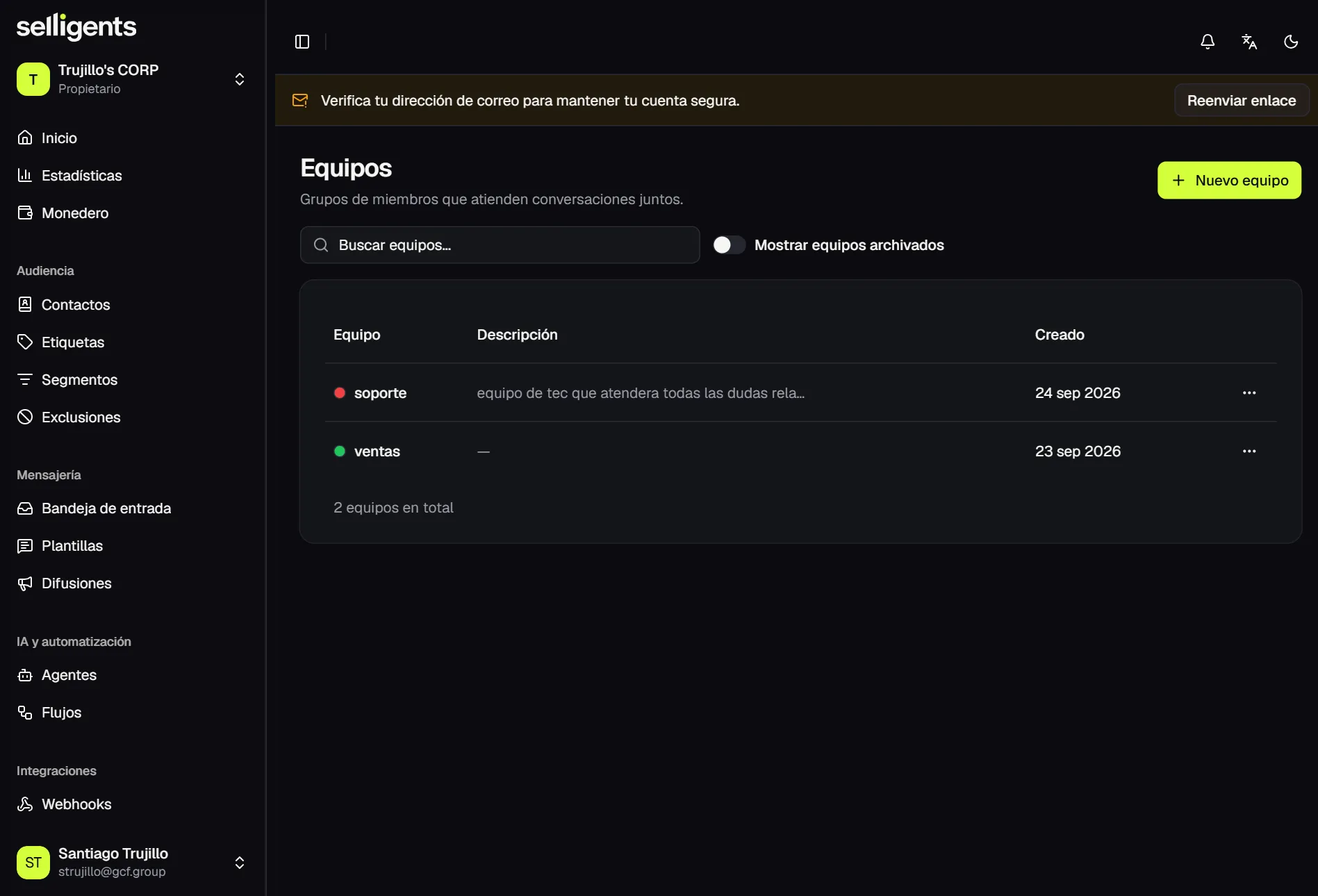
To add someone, invite them with their email and a role and, optionally, a team.
- The person receives a link that is valid for 7 days.
- If they already have an account, they sign in with it. Otherwise they create one on the spot.
- From the list you can resend or revoke a pending invitation.