AI and automation
Teach AI agents with knowledge bases, publish agent versions, and automate with intents and flows.
Last updated
This is the part of Selligents that answers on its own. It relies on three pieces: knowledge bases hold the information, agents do the answering, and intents decide what happens when a contact asks for something specific. Flows chain everything together with automated steps.
Knowledge bases
A knowledge base is a collection of sources, such as texts, FAQs and web pages. Selligents splits each source into chunks and indexes it so the agent can consult it.
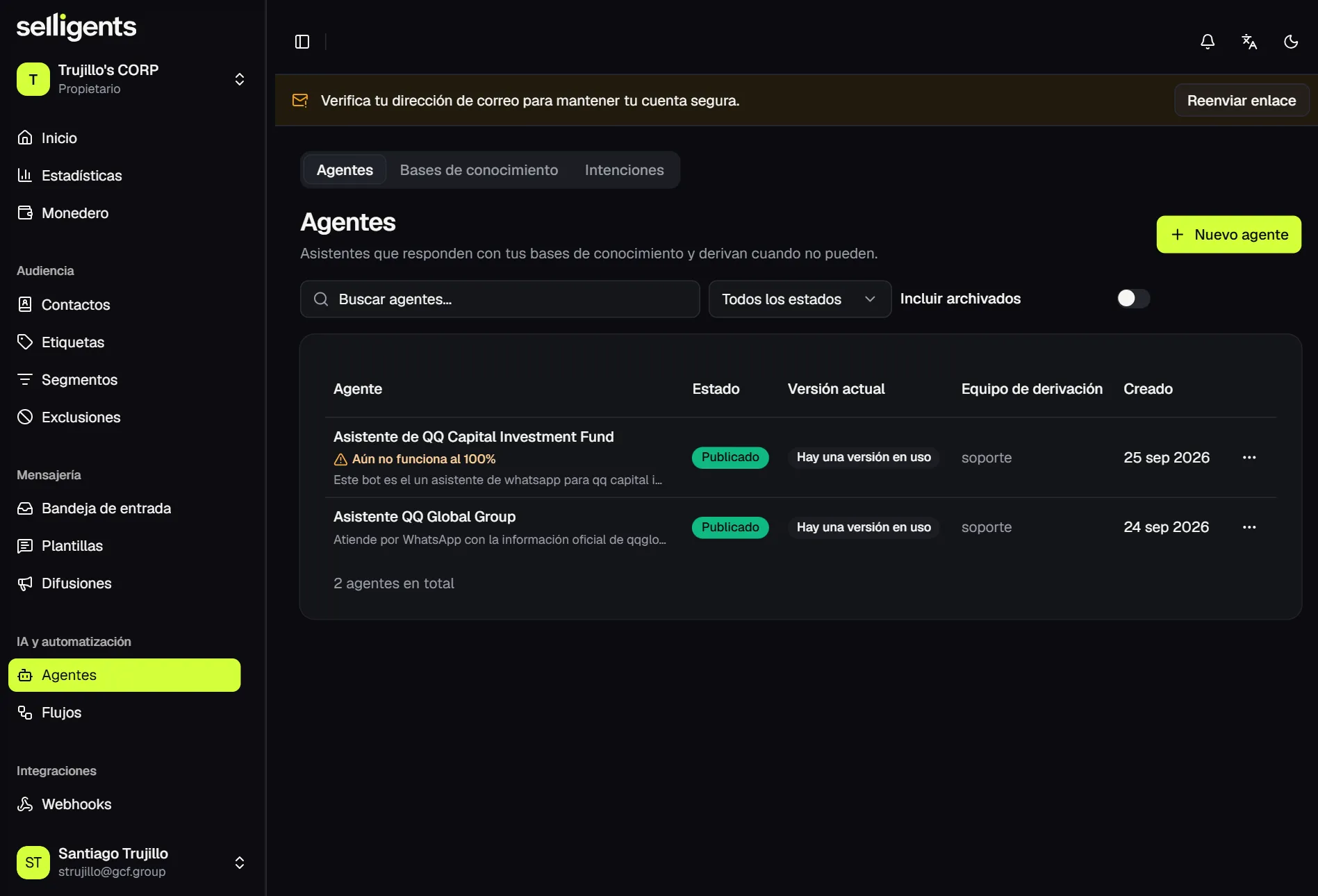
Create a knowledge base, add sources to it and wait until each one reaches the Ready status. The list warns you when a knowledge base cannot be used yet.
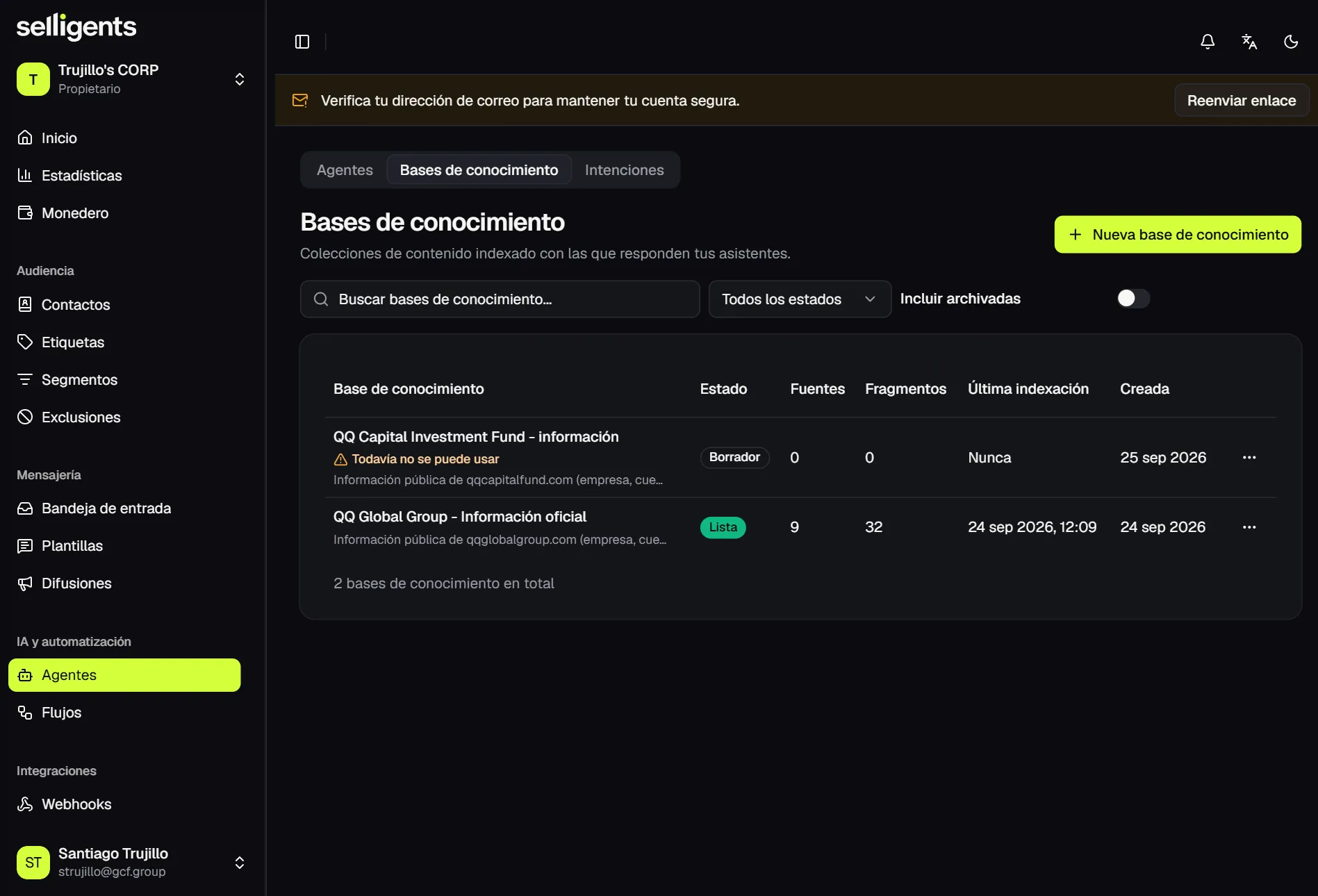
The detail page shows how many chunks each source produced and when it was indexed. When the content of a source changes, reload it so the index matches.
Keep sources short and specific. One topic per source retrieves better than one long document.
Agents
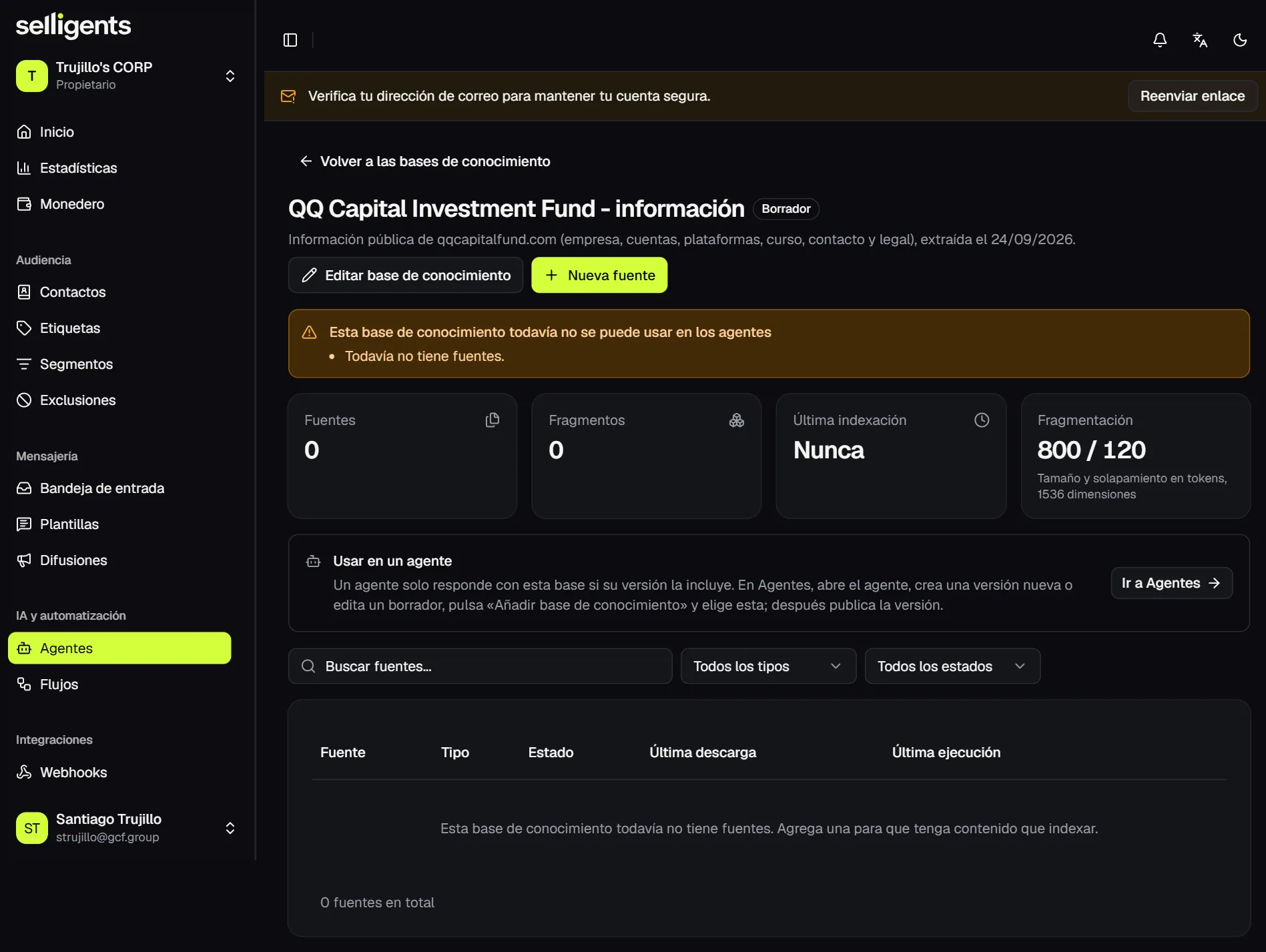
An agent is the AI assistant that replies in conversations. Each agent has a handoff team, which receives the conversation when the agent cannot continue, and works in versions.
The list warns when an agent is not ready, for example when it has no published version or no handoff team.
To get an agent running:
- Create the agent. Give it a name, a description and a handoff team.
- Create a version. Define how the agent behaves. See Versions.
- Test it. Ask it questions the way a customer would, without writing into any real conversation.
- Publish the version. The published version is the one that answers.
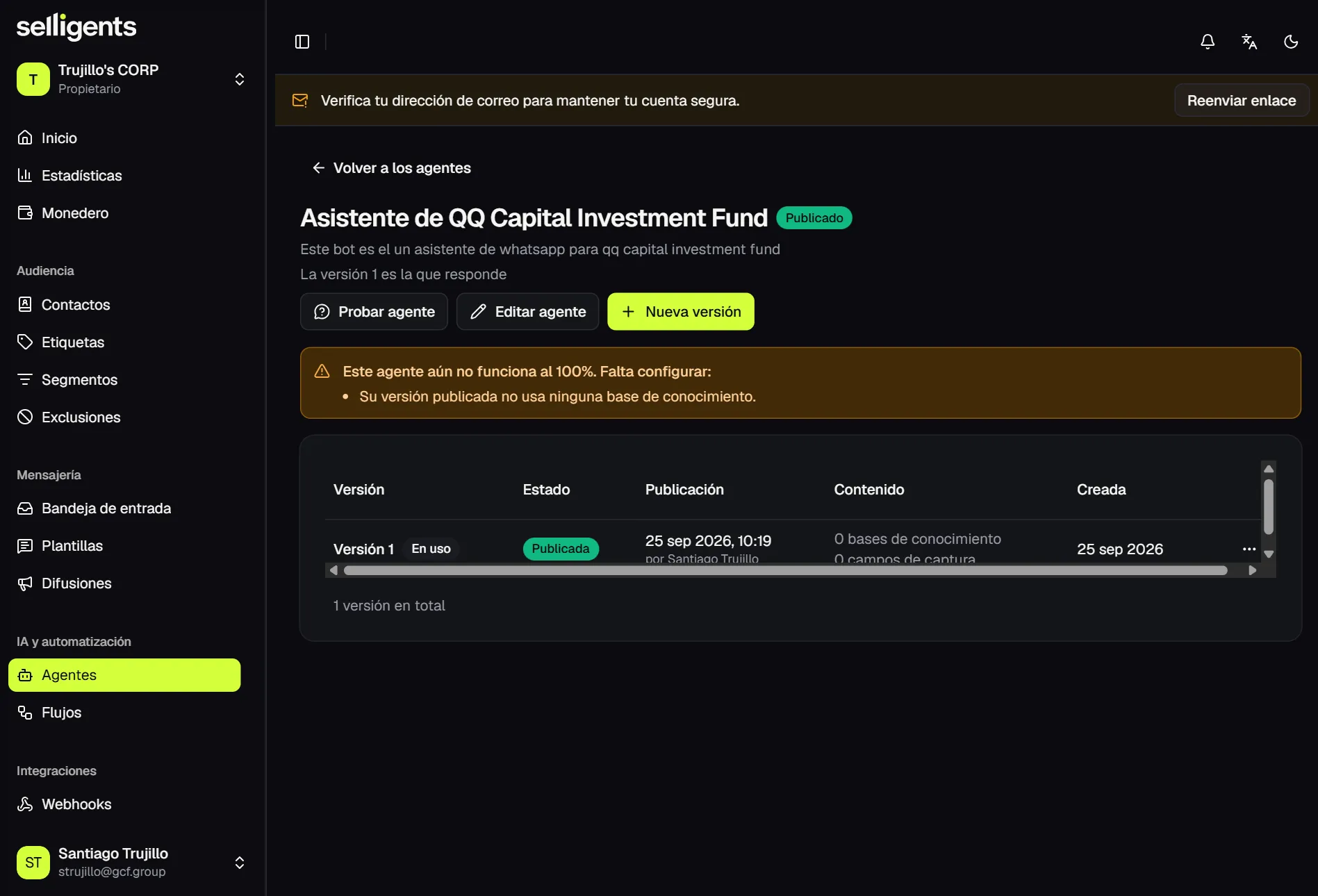
Versions
A version defines:
- The agent’s personality and instructions.
- How much it reads from the knowledge base: the number of chunks and the similarity threshold.
- Whether it cites its sources.
- What it does when it finds nothing to answer with: hand off to a person, reply with a fixed message or ask for more detail.
- Its limits: turns before handing off, temperature, tokens and budget per conversation.
- The knowledge bases it consults.
- The capture fields, which are the data it must collect from the contact, such as email or city.
What you write is frozen when the version is created. Only knowledge bases and capture fields can be adjusted while the version is a draft.
To change anything else, create another version from the previous one and publish it. Older versions stay in the history, and customers only ever talk to the published one.
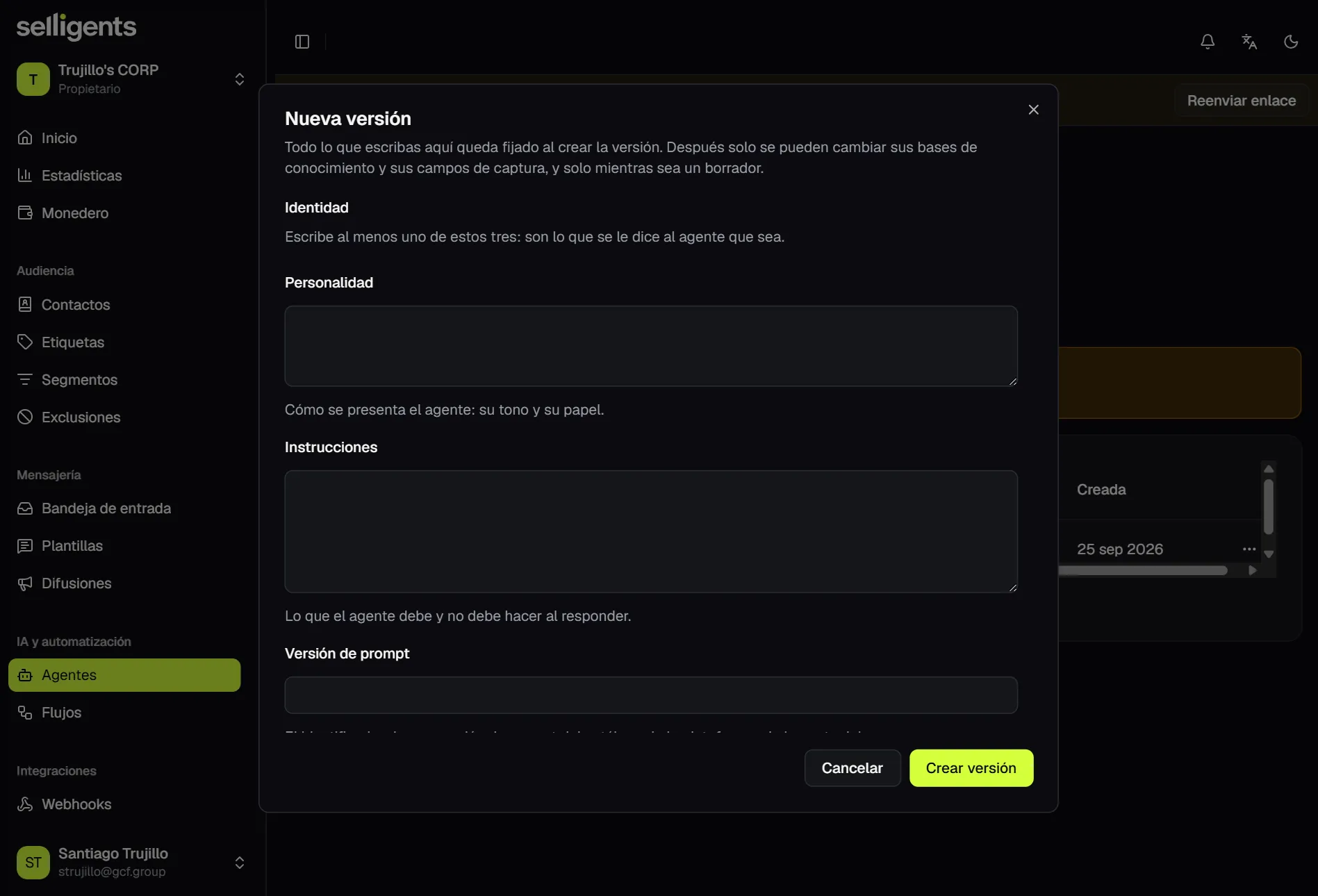
When an agent starts replying
A published agent starts answering in one of two ways:
- It is set as the default agent of a channel account. See Integrations.
- A flow calls it through the Agent reply node.
Intents and flows
Intents describe what a contact may be asking for and what should happen next. Flows are automations that run a sequence of steps on their own.
Intents
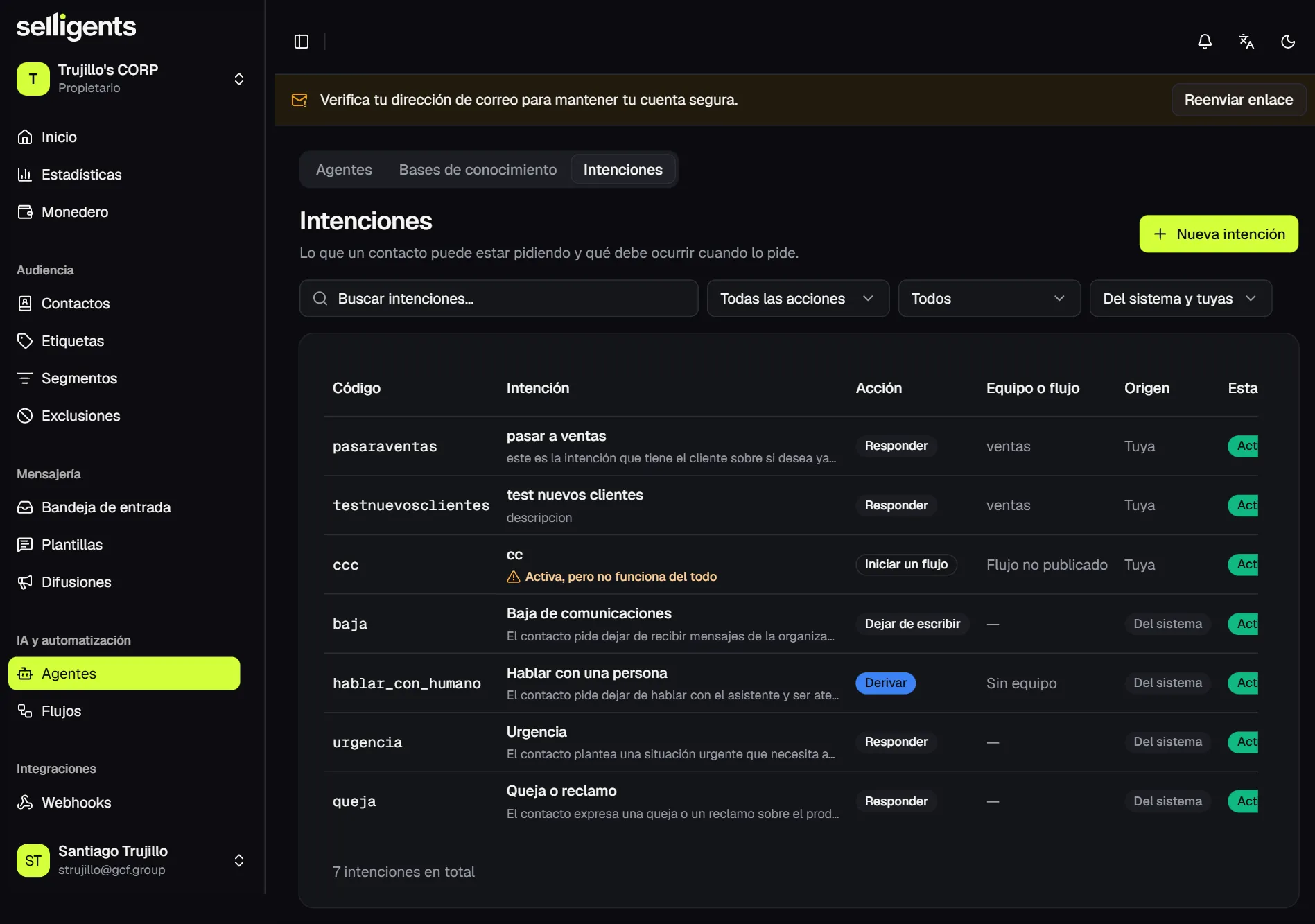
Selligents includes system intents for the cases that always matter: unsubscribe, talk to a person, urgency and complaint. You can create your own with a code, a description and an action.
When the agent detects an intent, it runs that intent’s action:
- Reply. Send a fixed answer.
- Hand off to a team. Route the conversation to a team.
- Start a flow. Hand control to a flow.
- Stop writing. Silence the agent so a person can respond.
Flows
A flow runs on its own when something triggers it, for example the first message of a conversation. Like agents, flows have versions: saving as a draft creates the next version, and saving and publishing makes it the one that runs.
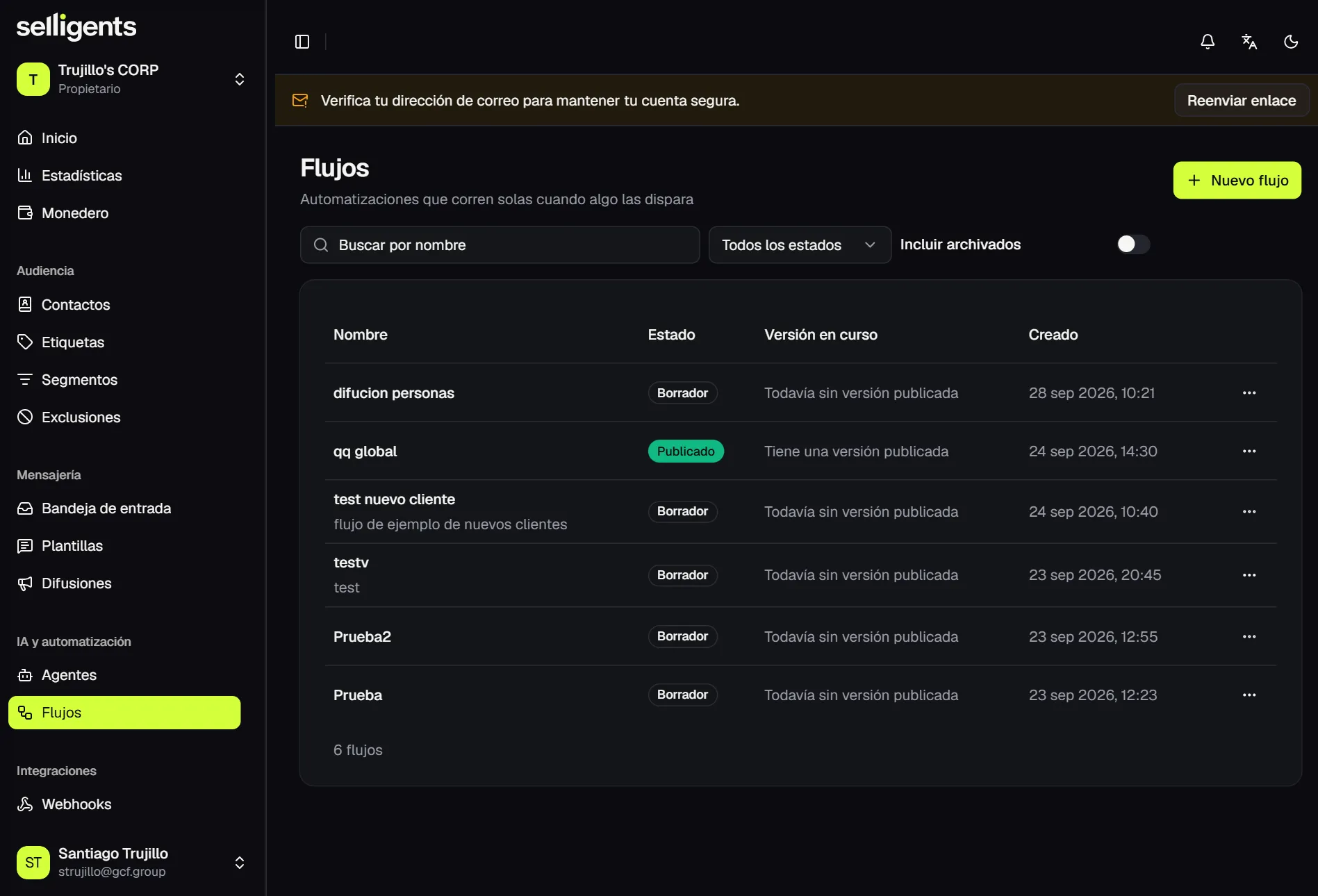
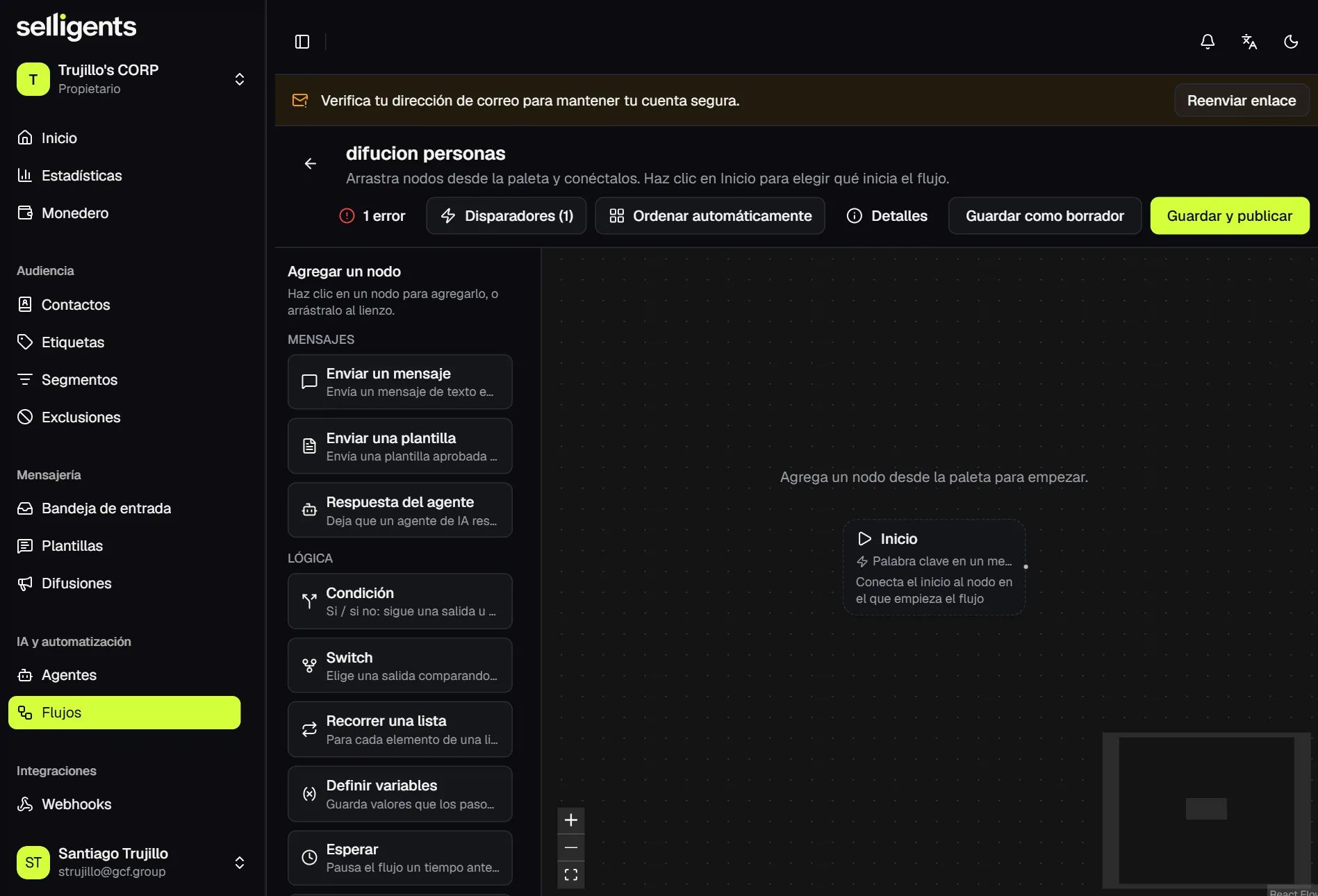
The editor is a node canvas. Add a node from the panel and connect its outputs. These nodes are available:
| Group | Nodes |
|---|---|
| Messages | Send a message, Send a template, Agent reply |
| Logic | Condition (if / else), Switch, Loop over a list, Set variables, Wait, Stop the flow |
| Contact & team | Tag the contact, Assign, Hand off to a person |
Three tools sit above the canvas:
- Triggers. Define what starts the flow.
- Issues. Validate that everything is connected before you publish.
- Auto-arrange. Tidy the canvas.
A typical welcome flow goes from the start to Tag the contact, then Agent reply and, if the agent cannot help, Hand off to a person.