Analytics and wallet
Track conversation, team, message and bot metrics over any period, and manage the messaging and AI balances.
Last updated
Analytics show how your conversations perform. The wallet pays for the messages and AI usage behind them.
Analytics
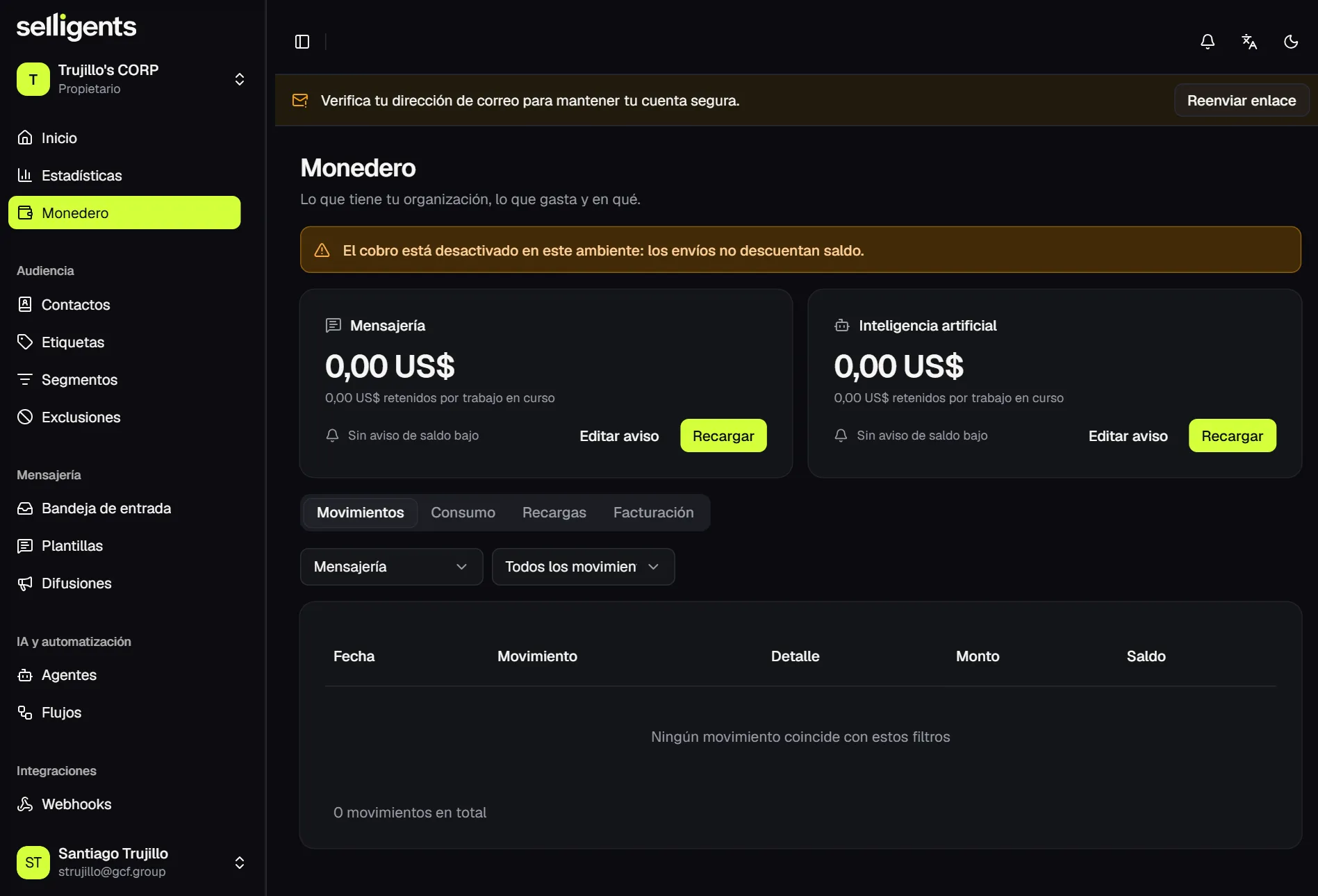
Analytics show how conversations, the team, messages and bots are doing over the period you choose. The default is the last 30 days, and you can filter by channel and team.
The Conversations tab shows:
- Conversations started and closed.
- Conversations resolved by the bot and conversations handed to a person.
- Time to first human reply and time to close.
- Reopened conversations.
- New contacts.
A per-day chart follows the indicators, and it is also available as a table. The Team, Messages and Bots tabs break things down by person, by message type and by agent.
Wallet
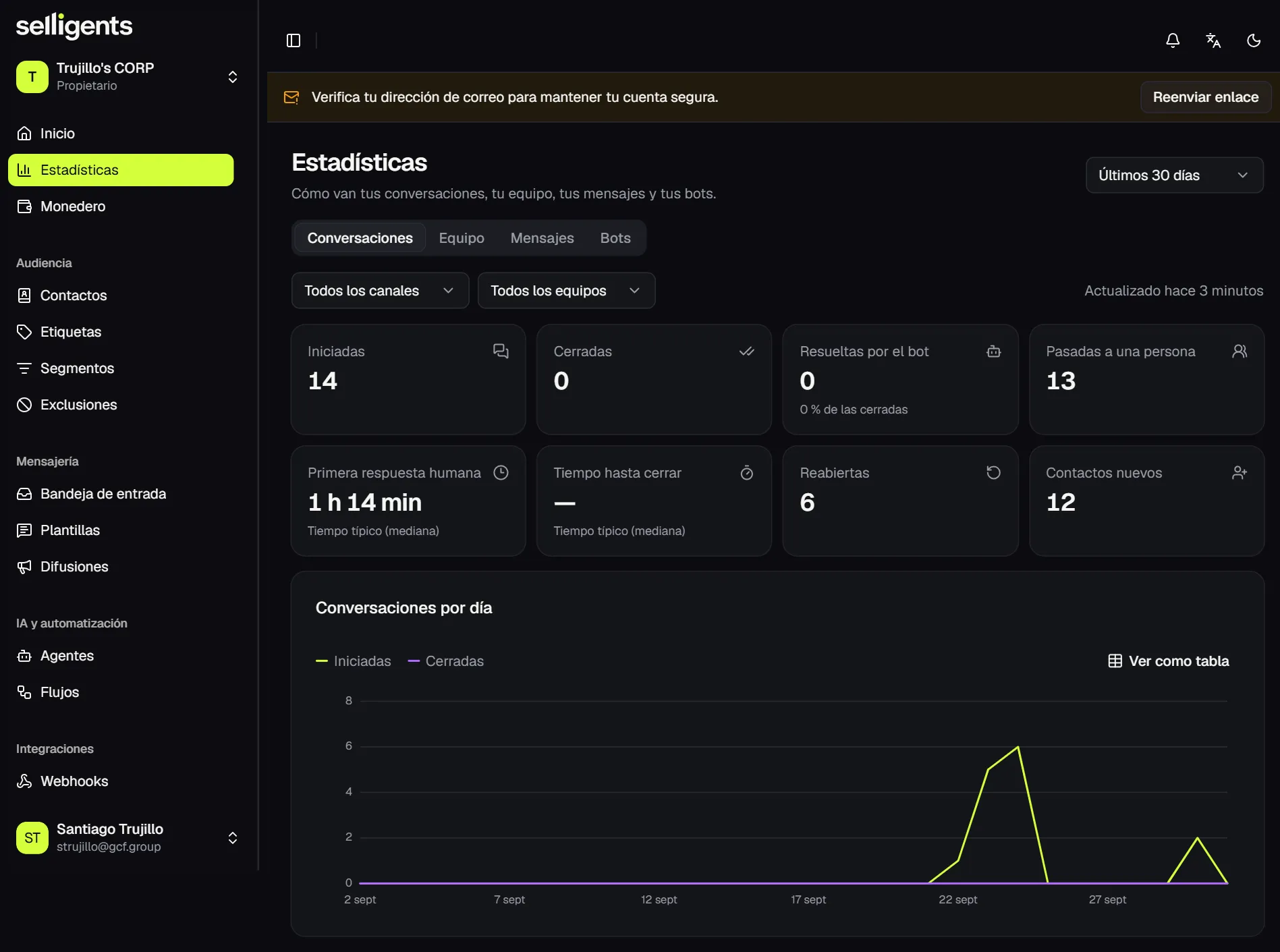
The wallet shows what your organization has, what it spends and on what. It holds two balances in US dollars:
- Messaging. Pays for WhatsApp sends.
- Artificial intelligence. Pays for agent replies and knowledge-base indexing.
Each balance shows the amount held for work in progress. For each one you can:
- Top up the balance.
- Set a low-balance alert, so you are warned before it runs short.
Below the balances, the movements list every usage, top-up and billing entry, with filters.
Check the wallet before a bulk send, so the messaging balance covers the quote.