Audience
Manage contacts and consent, organize them with tags and segments, and keep do-not-contact lists with suppressions.
Last updated
Your audience is the database of people your organization talks to. Good organization here decides who receives each broadcast and keeps you compliant.
Contacts
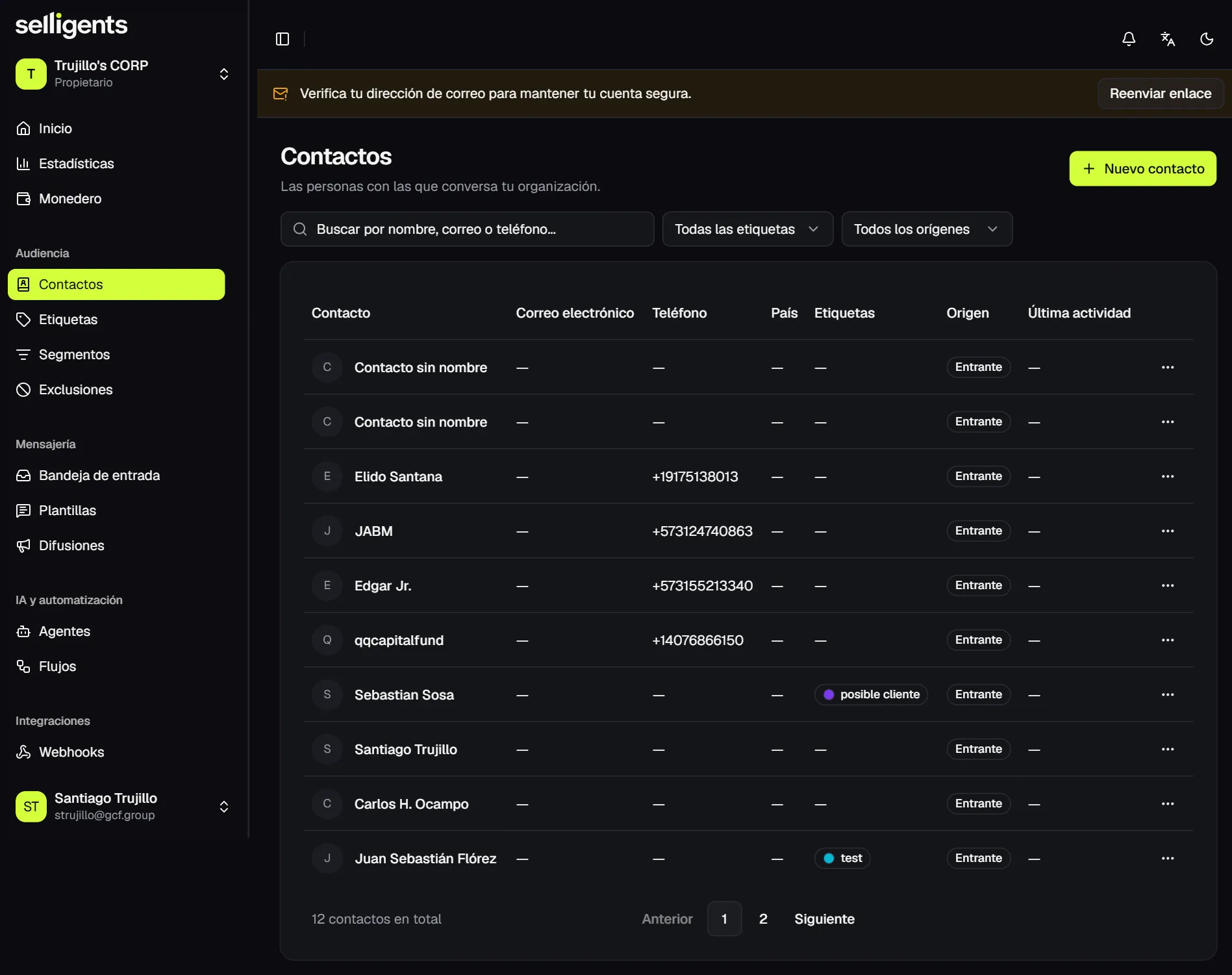
A contact is created automatically when someone writes to you, with the source Inbound, or manually when you add a new contact. Search the list by name, email or phone, and filter by tag and source. From a contact’s actions you can edit it, change its tags or delete it.
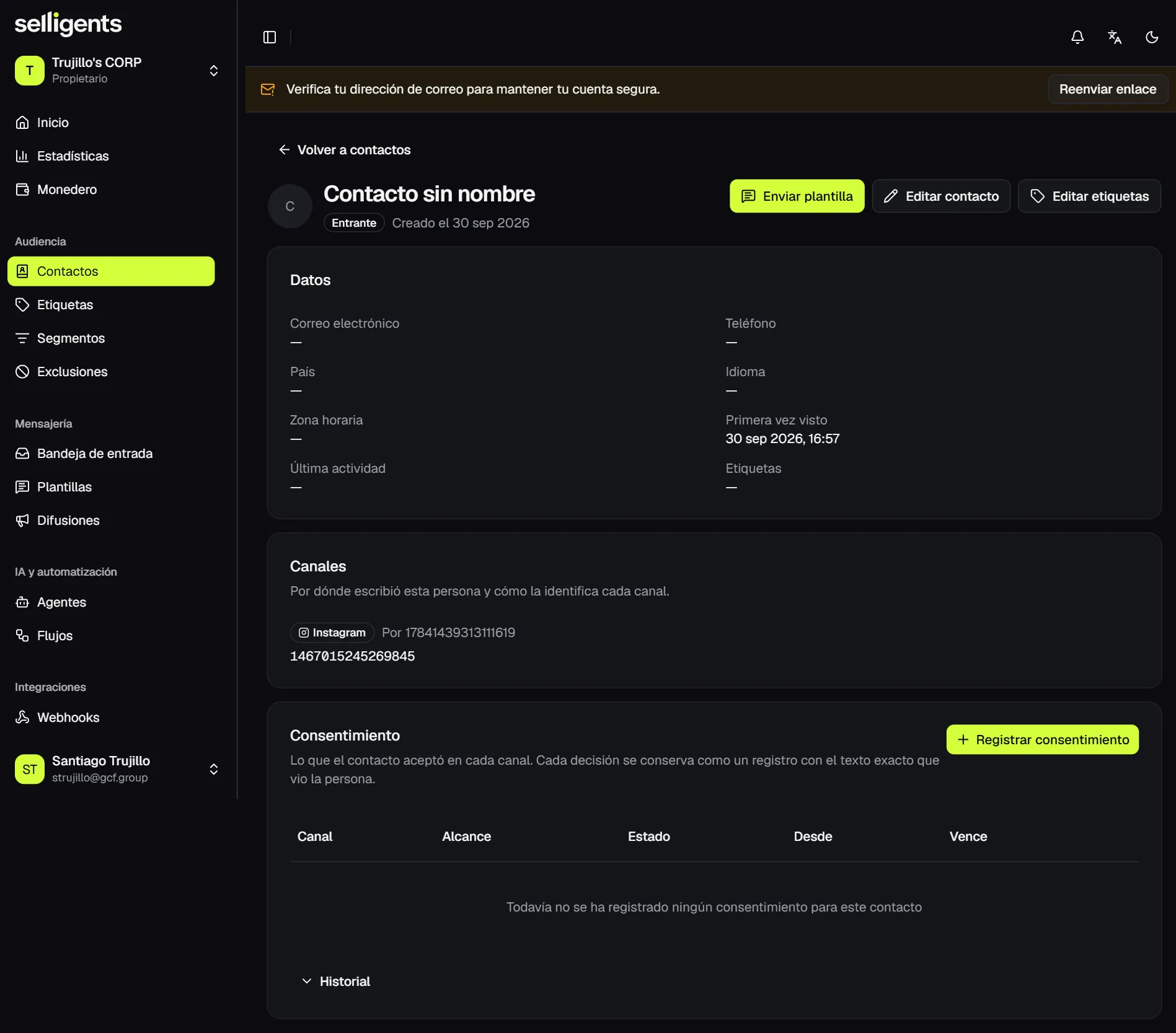
Opening a contact shows its details, the channels it has written through and its consent. From there you can also send a template to start a conversation with that person.
Consent
Consent is essential for broadcasts. A broadcast only reaches contacts whose consent is granted on that channel. Everyone else shows up in the results as rejected for lack of consent.
To record it, choose the channel and scope, mark it as granted and paste the exact wording the person accepted. Every decision, and every revocation, stays in the contact’s history.
Tags
Tags are colored labels that classify contacts, such as “prospect”. Create them under Tags and assign them from the contact, or let a flow assign them with the Tag the contact node.
Segments
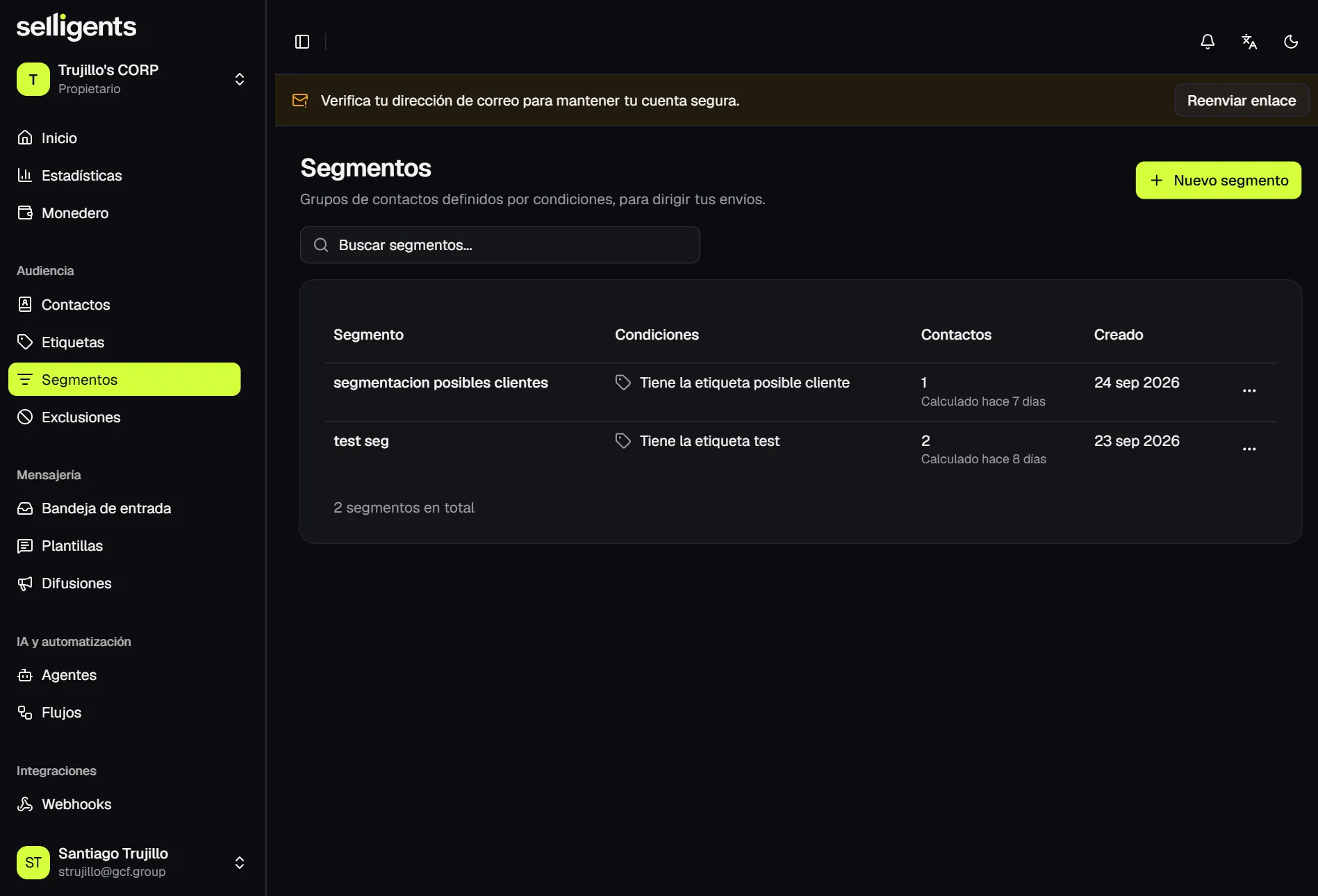
A segment is a group of contacts defined by conditions such as tag, country, last activity and consent. Conditions are combined with AND, so a contact must match all of them.
While you create or edit a segment, the editor shows live how many contacts match. The list summarizes each segment’s conditions in words and lets you recount.
Segments are the audience you choose when you create a broadcast.
Suppressions
A suppression is a number or account that must not receive messages on a channel, for example someone who asked not to be contacted. Filter the list by channel and reason. A suppression can be linked to a contact so its phone fills in automatically.
While the suppression exists, neither broadcasts nor templates reach that number, even when the contact matches a segment and has granted consent.